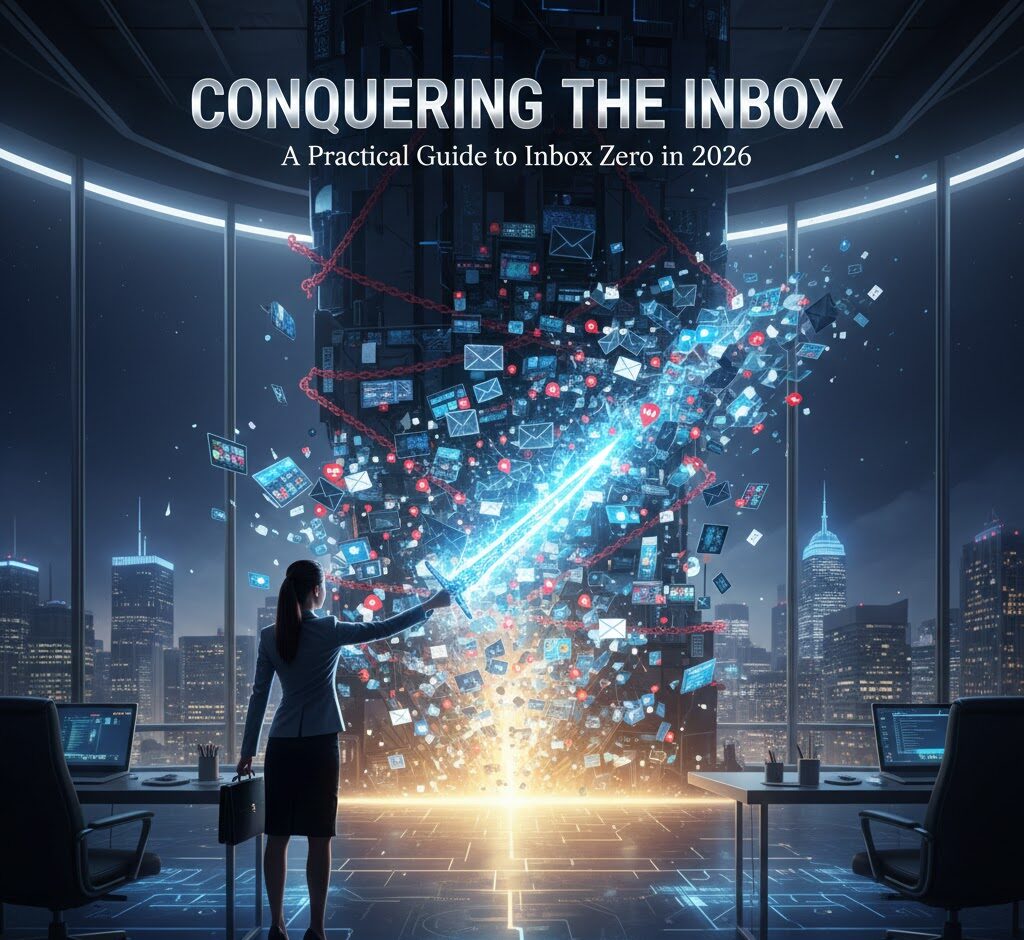
Conquering the Inbox: A Practical Guide to Inbox Zero in 2026
Let’s be real. Your email inbox is a digital black hole, isn’t it? It’s a place where tasks go to die, opportunities get buried, and your sanity slowly erodes. We’ve all been there
 staring at a mountain of unread emails, feeling that familiar sense of overwhelm. But what if I told you there’s a way out? A way to not just manage your inbox, but to *master* it? This isn’t just about deleting emails; it’s about reclaiming your time, focus, and peace of mind. This is about achieving Inbox Zero.
Why Inbox Zero Matters (And Why You Should Care)
Before we dive into the “how,” let’s talk about the “why.” Why bother with Inbox Zero? Because it’s not just about an empty inbox; it’s about:
- Reducing Stress: A cluttered inbox is a constant source of low-level anxiety. Seeing those unread emails piling up can make you feel like you’re drowning. Inbox Zero creates a sense of control and reduces that mental load.
- Boosting Productivity: Imagine knowing exactly what needs your attention, and when. Inbox Zero allows you to prioritize tasks and make informed decisions, leading to more focused work and less time wasted on email-induced distractions.
- Improving Focus: Constantly checking your inbox pulls you away from deep work. Inbox Zero allows you to batch your email time, so you can focus on the tasks that truly matter.
- Freeing Up Time: Believe it or not, managing your inbox efficiently can free up significant time. That time can be used for more important tasks or, you know, some actual downtime.
- Better Communication: With a clear inbox, you are less likely to miss important emails or communications, leading to improved communication.
In 2026, the volume of emails continues to rise, and our attention spans are getting shorter. Achieving Inbox Zero isn’t a luxury; it’s a necessity for anyone who wants to stay on top of their game. It’s about taking back control of your digital life.
The Core Principles of Inbox Zero
Inbox Zero isn’t about perfectly deleting every email; it’s about making a decision about every email. Here’s a breakdown of the core actions you’ll take:
- Process (and decide) every email when you check your inbox: This is the heart of the system. You will immediately decide what to do with each email, and do it.
- Reduce your time spent checking email: Batch your email time, set specific times, and stick to them. Avoid constantly checking throughout the day.
- Focus on ACTION: Emails are generally prompts for some kind of action. Act on those prompts.
- Organize effectively: Use folders or a system to archive or file emails that don’t need immediate action.
- Unsubscribe from what you do not read: Reduce the incoming flow. If you do not read it, unsubscribe from it.
The Step-by-Step Guide to Achieving Inbox Zero
Alright, let’s get into the nitty-gritty. Here’s a practical, step-by-step guide to achieving Inbox Zero, broken down into actionable steps. I’ve personally used these methods and adapted them over the years. They work.
Step 1: The Initial Purge (It’s Okay to Delete)
This is where most people get tripped up. The first time you tackle your inbox, it’s going to be brutal. There’s no way around it. Prepare for it. Set aside some dedicated time – maybe an hour or two – when you won’t be interrupted. Open your inbox and start deleting. Seriously.
What to delete immediately:
- Spam: Obvious one, but get rid of it.
- Promotional emails: The ones you never read, the ones that just clutter your inbox. Unsubscribe from these.
- Old newsletters: The ones you intended to read, but never did. Delete them. You can always find the content online if it’s truly important.
- Outdated information: Emails with time-sensitive information that’s now irrelevant.
Pro Tip: Don’t be afraid to mass-delete. You can always retrieve an email if needed. The goal is to make some serious headway. Don’t get stuck reading every email; quickly assess and act.
Step 2: The “5 Ds” of Email Processing
Once you’ve done the initial purge, it’s time to put the “5 Ds” into action. This is the core of the Inbox Zero method. For every email you see, make a decision based on these five options:
- Delete: If the email requires no action and isn’t needed for future reference, delete it.
- Delegate: If someone else is better suited to handle the email, forward it to them and archive or delete it.
- Do: If the email requires a quick action (takes less than 2-3 minutes), do it immediately and archive it.
- Defer: If the email requires more time or you can’t act on it immediately, add it to your to-do list or calendar and archive it. Make a plan.
- Deflect: If the email is a request for information that is easily accessible elsewhere (like an FAQ or website), send a reply with the link and archive.
Important note: When you “archive” an email, you’re not deleting it. You’re moving it out of your inbox and into an archive folder. This keeps your inbox clean but allows you to retrieve the email later if needed.
Step 3: Setting Up Your System
To make the “5 Ds” work effectively, you need a system in place. Here are the key components:
- Archive folder: Your primary destination for emails you’ve processed. In Gmail, this is simply the “All Mail” folder.
- To-do list or task management app: I use Todoist, but there are many great options (Asana, Trello, etc.). Use this to capture actions you need to take that were deferred from Step 2. Set deadlines.
- Calendar: Schedule any tasks or appointments that came from an email.
- Optional: Folders (if needed): Create folders for projects, clients, or specific topics. Don’t overdo it. The goal is to keep things simple.
Pro Tip: Keep your folder structure minimal. The fewer folders you have, the easier it is to find what you need. Avoid creating folders for every single project or client. Use search instead. Gmail’s search function is very powerful.
Step 4: Batching Your Email Time
This is a critical step that many people overlook. Don’t let your inbox control you. Set specific times to check and process your email. For example:
- Morning: Process emails from overnight and plan your day.
- Mid-day: Address any urgent emails.
- End of day: Clean up remaining emails and plan for tomorrow.
Pro Tip: Turn off email notifications. They’re a distraction. Close your email client when you’re not actively processing emails. This helps you to stay focused on other tasks.
Step 5: Unsubscribe Like a Pro
Reduce the flow. The more emails that hit your inbox, the harder it will be to reach Inbox Zero. Unsubscribe from any email lists that you don’t read regularly. Most email clients make this easy with an “unsubscribe” link at the bottom of the email. Use it!
Pro Tip: Use a service like Unroll.me (or similar) to manage your subscriptions. It makes unsubscribing quick and easy and can even bundle multiple subscriptions into a daily digest.
Step 6: Automate What You Can
Email clients and productivity tools offer several automation features that can help you manage your inbox more efficiently. Here are a few examples:
- Filters and rules: Use these to automatically sort incoming emails. For example, you can filter all emails from a specific sender directly into an archive folder or label them.
- Canned responses: If you find yourself sending the same replies repeatedly, create canned responses (also known as templates) to save time.
- Scheduling tools: Use tools like Calendly or HubSpot Meetings to let people schedule meetings directly with you, reducing the back-and-forth email chains.
Pro Tip: Don’t over-automate. Automation can save time, but it can also create problems if you set up the rules incorrectly. Start small and test your automation before you rely on it completely.
Common Mistakes to Avoid
Here are some common mistakes that people make when trying to achieve Inbox Zero:
- Treating your inbox like a to-do list: Your inbox is *not* a to-do list. Use a dedicated task management app.
- Leaving emails unread: Unread emails are a source of stress. Make a decision about every email.
- Checking email constantly: Batch your email time. Don’t let your inbox control you.
- Over-organizing: Keep your folder structure simple.
- Not unsubscribing: Reduce the flow of incoming emails.
Tools and Resources That Can Help
Here are some tools and resources that can help you conquer your inbox:
- Your Email Client: Gmail, Outlook, Yahoo – the built-in features are often enough. Learn how to use them effectively (filters, rules, etc.).
- Task Management App: Todoist, Asana, Trello, Microsoft To Do – use these to manage tasks that come from your emails.
- Unroll.me: For easy unsubscribing and bundling of subscriptions.
- Calendly or HubSpot Meetings: For scheduling meetings.
Pro Tip: Don’t get caught up in finding the “perfect” tool. Start with what you have, and experiment with different tools to see what works best for you. The key is to be consistent.
Inbox Zero: The Long Game
Achieving Inbox Zero isn’t a one-time fix. It’s an ongoing process. You will slip up sometimes. You’ll get behind. But that’s okay. The key is to get back on track. Here’s what to expect:
- Initial Time Investment: The first time, it might take several hours.
- Ongoing Time Commitment: You will need to process your emails regularly, but it will take less time than before.
- Realistic Expectations: You won’t always have a completely empty inbox. But you *can* have a manageable one.
Modern Relevance (2026 Edition)
In 2026, the digital world is more demanding than ever. The pressure to be “always on” is intense. Achieving Inbox Zero isn’t just about managing emails; it’s about safeguarding your time, attention, and well-being. Here’s why Inbox Zero is more important than ever:
- AI-Powered Email Overload: As AI becomes more integrated into our lives, expect to see an increase in AI-generated emails (marketing, prompts, etc.). Being able to quickly assess and manage these emails is crucial.
- The Rise of “Micro-Tasks”: Many of your tasks will be triggered through email. You will need to decide about a large number of emails, and act.
- Work-Life Balance: With remote work becoming the norm, it’s easy for the boundaries between work and personal life to blur. Mastering your inbox helps you set boundaries and reclaim your time.
- The Value of Deep Work: In a world of constant distractions, the ability to focus on deep work is a valuable skill. Inbox Zero helps you create the space for focused work.
Future-Proofing Your Inbox Zero Strategy
Technology is constantly evolving. Here’s how to ensure your Inbox Zero strategy stays relevant:
- Stay flexible: Be open to adapting your system as new tools and technologies emerge.
- Embrace AI: Explore AI-powered tools that can help you manage your inbox (e.g., AI-powered email filters, smart replies).
- Prioritize your well-being: Don’t let your inbox control your life. Set boundaries, take breaks, and prioritize your mental health.
Frequently Asked Questions (FAQs)
Here are some frequently asked questions about Inbox Zero, along with practical answers:
- How long will it take to achieve Inbox Zero the first time?
It depends on how cluttered your inbox is. For most people, it will take 1-3 hours to get started and then a few minutes a day to stay on top of it. - Is Inbox Zero really achievable?
Yes! It is, but it’s not about being perfect. It’s about making a consistent effort to process your emails. - What if I miss important emails if I delete too much?
You can always retrieve deleted emails. And, if you are unsure, err on the side of caution. - Should I create a lot of folders and subfolders?
No, keep it simple. The fewer folders, the easier it is to find what you need. - How often should I check my email?
Set specific times to check your email. For example, morning, mid-day, and end of day. - What if I get overwhelmed by my inbox again?
That’s okay. Take a deep breath, and start processing your emails again. Get back to the process. - Are there any tools to help me with Inbox Zero?
Yes, your email client (Gmail, Outlook, etc.) has built-in features. Then, use a task manager, and services like Unroll.me. - Is Inbox Zero just for work emails?
No, this is helpful for all email, including personal email.
Inbox Zero is a powerful system that can transform your relationship with your email. It’s not about being perfect; it’s about being intentional. By following the steps outlined in this guide and adapting them to your specific needs, you can create an inbox that’s manageable, efficient, and doesn’t rule your life. Now, go forth and conquer your inbox. You got this!
To go deeper, explore some of the other resources on Complifest. For example, if you are looking for tips on navigating the changing landscape of education, check out Unlocking Potential: Rethinking How We Prepare for the Real World, Not Just the Classroom.